
This article will show you how to use Notion, a popular productivity app, to manage your cryptocurrency investments. We’ll cover setting up a dashboard, tracking your portfolio, and staying organized with your crypto activities.
Key Takeaways
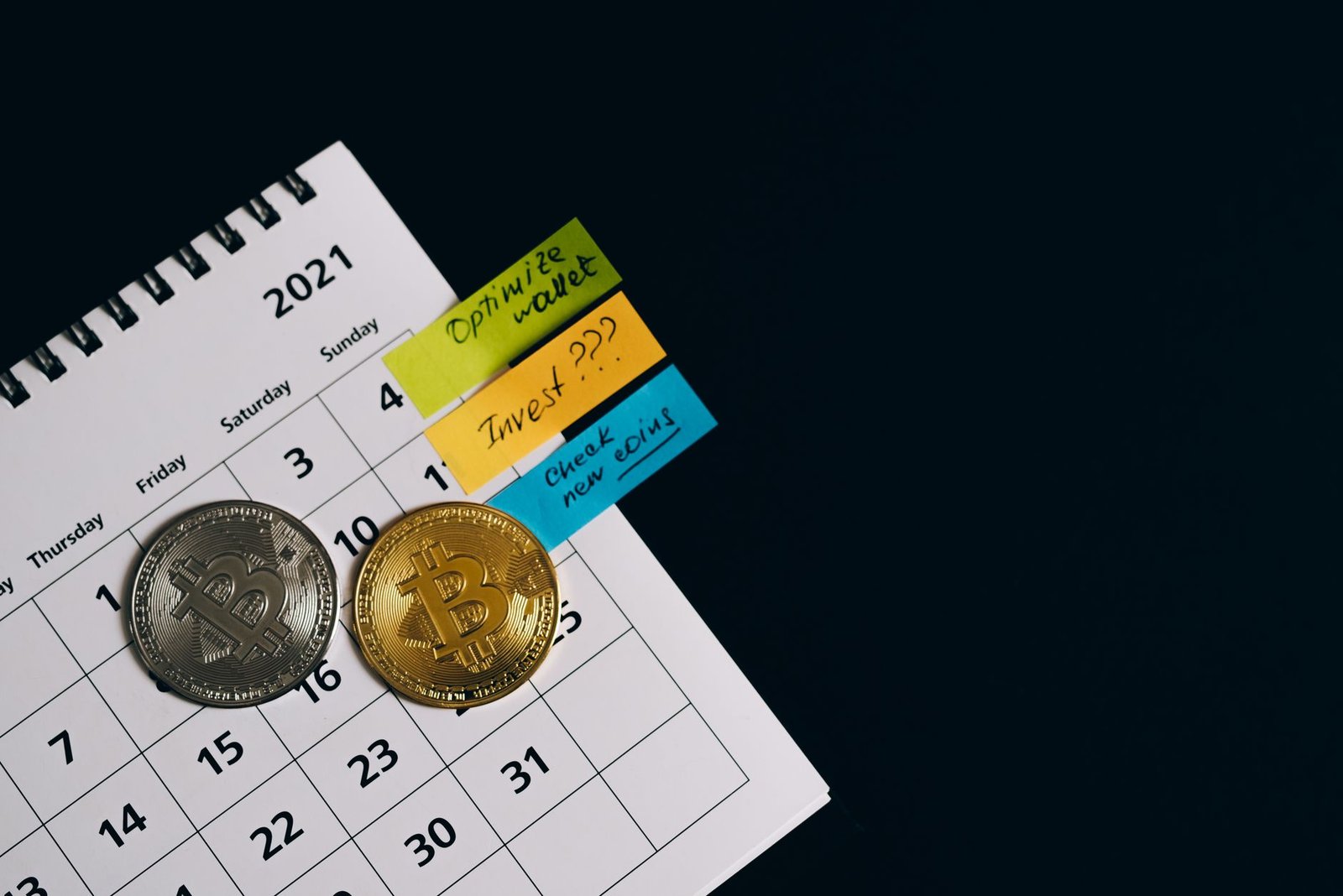
- Notion can be a powerful free tool for organizing your crypto journey in 2026.
- You can create custom dashboards to track your portfolio value, individual holdings, and recent transactions.
- Notion databases allow you to log trades, research new projects, and manage your crypto-related tasks.
- Setting up alerts and reminders within Notion can help you stay on top of market movements and important events.
- While not a substitute for secure wallets, Notion provides a centralized hub for information management.
Why Use Notion for Crypto?
In 2026, the cryptocurrency space continues to grow and evolve. With so many different coins, tokens, NFTs, and platforms, keeping track of everything can feel overwhelming. Many people use spreadsheets or various apps, but Notion offers a flexible, all-in-one solution. It’s a workspace where you can write, plan, and organize. You can build your own system exactly how you want it, which is perfect for the unique needs of crypto investors. Plus, the basic version is free, making it accessible for everyone starting out.
Building Your Crypto Dashboard
The first step is to create a central dashboard. Think of this as your crypto command center. You can add different blocks to this page, like text, databases, images, and more. Start by creating a main page titled “My Crypto Hub.” On this page, you can add sections for your portfolio overview, research notes, important links, and a to-do list.
Portfolio Overview
A good dashboard should give you a quick snapshot of your investments. You can create a simple table or a gallery view of your main holdings. For each coin, you might want to display its name, current price, the amount you hold, and the total value. While Notion doesn’t connect directly to exchanges to pull live prices, you can manually update these or use simple formulas to calculate values based on prices you input. This manual approach helps you stay engaged with your portfolio’s performance.
Research and Notes
Keeping notes on projects you’re interested in is crucial. You can create a database in Notion for “Crypto Research.” Each entry in this database can include fields for the project name, its ticker symbol, a link to its website, your personal rating, and a section for your thoughts and analysis. You can also attach files or images, like whitepapers or charts. This organized approach helps you make more informed decisions.
Tracking Your Trades and Holdings
Notion’s database features are where it truly shines for crypto management. You can create sophisticated systems to track every aspect of your crypto activities.
The Master Trade Log
A fundamental database you’ll want is a “Trade Log.” This is where you record every buy and sell transaction. Key properties for each entry should include:
- Date: When the trade occurred.
- Type: Buy or Sell.
- Coin: The cryptocurrency traded (e.g., BTC, ETH, SOL).
- Amount: How much of the coin was traded.
- Price per Coin: The price at which you bought or sold.
- Total Cost/Revenue: The total amount spent or received (Amount * Price per Coin).
- Platform: Which exchange or wallet was used.
- Notes: Any specific details about the trade.
You can then create different views of this database. For example, a “Profitable Trades” view filtered by “Type is Sell” and “Revenue > Cost.”
Managing Your Wallet Balances
Beyond trades, you might want a simple way to track your current holdings across different wallets or exchanges. A “Holdings” database can work well here. Each entry could represent a specific coin you own, with properties like:
- Coin Name
- Total Amount Held
- Average Buy Price (calculated from your trade log)
- Current Market Price (manual input)
- Current Value (Total Amount Held * Current Market Price)
- Profit/Loss (Current Value – (Total Amount Held * Average Buy Price))
This gives you a clear picture of your overall portfolio value and performance.
Staying Organized and Informed
The crypto market moves fast. Notion can help you manage tasks, reminders, and important information.
Crypto Task Manager
Create a “Tasks” database to keep track of your to-dos. This could include things like:
- Researching a new altcoin.
- Checking the status of a crypto withdrawal.
- Reading a new project’s whitepaper.
- Setting a reminder to rebalance your portfolio.
You can assign due dates, set priorities, and link tasks to specific projects in your research database.
Important Links and Resources
Keep all your essential links in one place. You can create a simple page with headings for different categories like “Exchanges,” “Wallets,” “News Sites,” and “Favorite Analytics Tools.” Within each category, list the URLs. This saves you time searching for them when you need them.
Practical Steps to Get Started
Setting up your Notion crypto tracker is straightforward. Here’s a general guide:
1. Sign Up for Notion
Go to Notion.so and create a free account. You can use it on your web browser, desktop app, or mobile app.
2. Create Your Main Dashboard Page
Start a new page and give it a title like “My Crypto HQ.”
3. Build Your Databases
Click `/table` to create a new table database for your Trade Log. Add the properties mentioned earlier (Date, Type, Coin, Amount, Price, Total, Platform, Notes). Repeat this for your Holdings and Research databases.
4. Populate Your Databases
Start adding your past trades and current holdings. For new research, create entries as you discover projects.
5. Customize Your Views
Experiment with different database views. Use “Cards” for research projects, “List” for tasks, and “Table” for detailed logs. Filter and sort your data to see what’s most important.
6. Add Widgets and Links
Consider adding simple widgets for things like the date or a countdown to an event. Link to your favorite crypto news sites or price trackers.
Pros and Cons of Using Notion for Crypto
Like any tool, Notion has its strengths and weaknesses when it comes to crypto management.
Pros
- Free: The core features are available at no cost.
- Highly Customizable: You can build a system that perfectly fits your needs.
- All-in-One: Consolidates tracking, research, and tasks in one place.
- Cross-Platform: Accessible on desktop and mobile.
- Educational: The process of building your own system helps you understand your investments better.
Cons
- Manual Updates: Prices and balances usually need to be updated manually, which can be time-consuming.
- No Direct Exchange Integration: Cannot automatically pull your portfolio data from exchanges.
- Not a Wallet: It is strictly an organizational tool, not a secure place to store crypto.
- Learning Curve: Can take some time to learn and set up effectively.
Risks and Red Flags to Consider
While Notion is a safe tool for information organization, the crypto space itself carries significant risks. Always remember:
- Volatility: Cryptocurrency prices can fluctuate wildly. You could lose all the money you invest.
- Scams: The crypto world is unfortunately rife with scams. Be extremely wary of unsolicited offers, “guaranteed returns,” or requests for your private keys or seed phrases. Never share this sensitive information with anyone or any platform. Notion itself is not a scam, but you must be vigilant about where you input your data and what advice you follow.
- Security: Your Notion account needs to be secured with a strong password and two-factor authentication. More importantly, never store your crypto assets directly in a Notion file or link. Use reputable, secure hardware or software wallets for actual storage.
- Not Financial Advice: This guide is for informational purposes only. It is not financial advice. Always do your own thorough research (DYOR) and consider consulting a qualified financial advisor before making any investment decisions.
Frequently Asked Questions
What is Notion?
Notion is a versatile workspace application that combines note-taking, task management, and database functionalities. It allows users to create customized pages and systems for organizing various aspects of their personal and professional lives.
Can Notion connect directly to my crypto exchange accounts?
No, Notion does not offer direct integration with cryptocurrency exchanges or wallets to automatically pull live portfolio data. All price and balance updates typically need to be entered manually.
Is Notion free to use for crypto tracking?
Yes, Notion offers a generous free plan that includes unlimited blocks and pages, making it perfectly suitable for personal crypto tracking and organization without any cost.
How can I secure my Notion crypto data?
Secure your Notion account with a strong, unique password and enable two-factor authentication. For your crypto assets themselves, always use dedicated, secure hardware or software wallets and never share your private keys or seed phrases.
Final Thoughts
Using Notion to manage your cryptocurrency activities in 2026 can bring a much-needed sense of order to a chaotic market. By building a personalized dashboard and databases, you gain a clearer overview of your investments and research. Remember to prioritize security, stay informed about market risks, and always conduct your own research.